

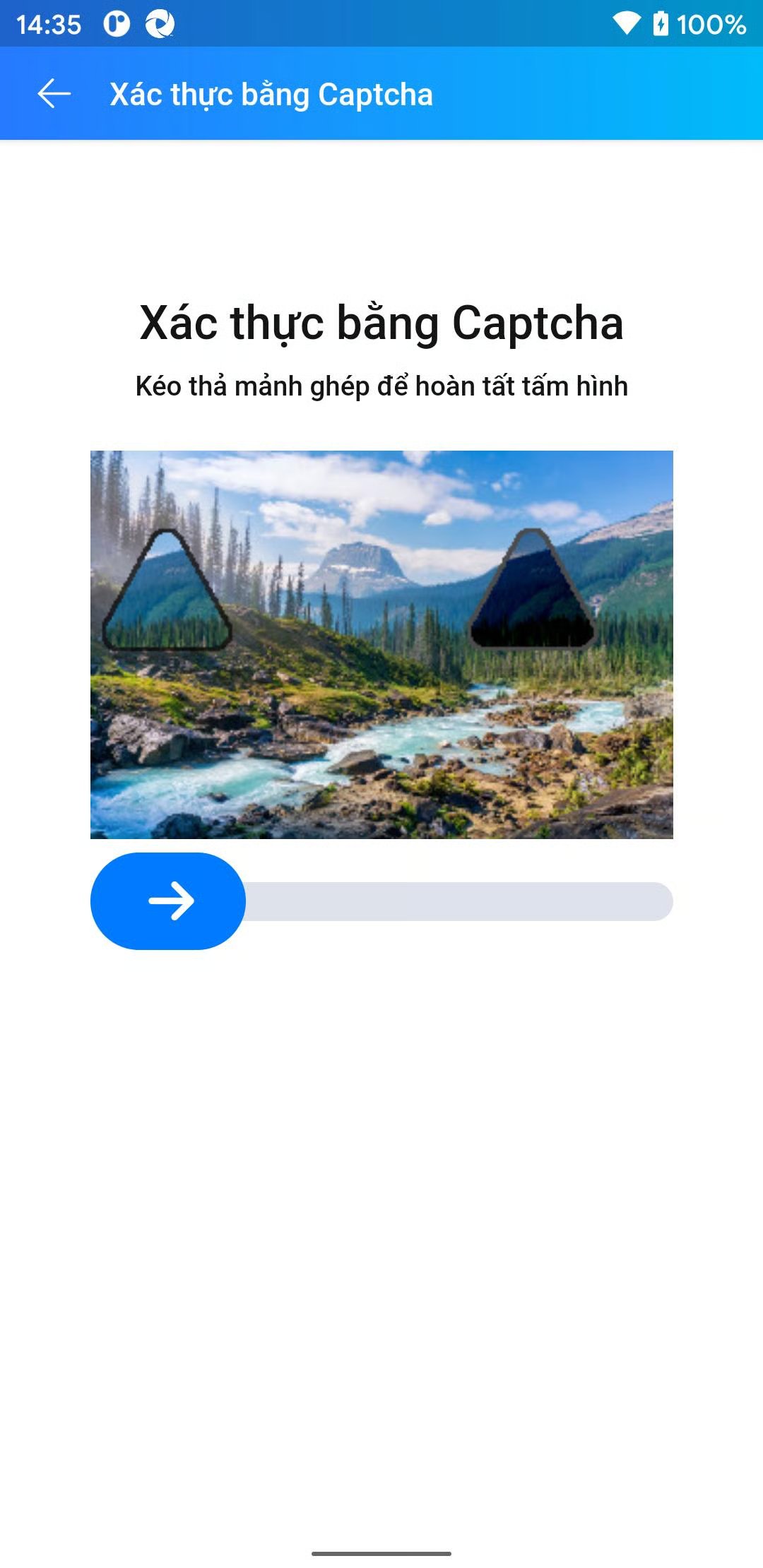
1. Create task
Request| Parameter | Type | Required | Description |
|---|---|---|---|
clientKey | String | ✅ | Client account API key |
task.type | String | ✅ | Captcha service class name: ZaloSliderPhoneTask |
task.imageBase64 | String | ✅ | Base64-encoded screenshot image |
errorId = 0 and a taskId on success.
Failure:
errorId = 1 with errorCode as the error code.
2. Get task result
RequesterrorId = 0 and status = ready. Read the result from solution.
Processing:
errorId = 0 and status = processing while the task is still being processed. Wait 2 seconds and try again.
Failure:
errorId = 1 on failure.