

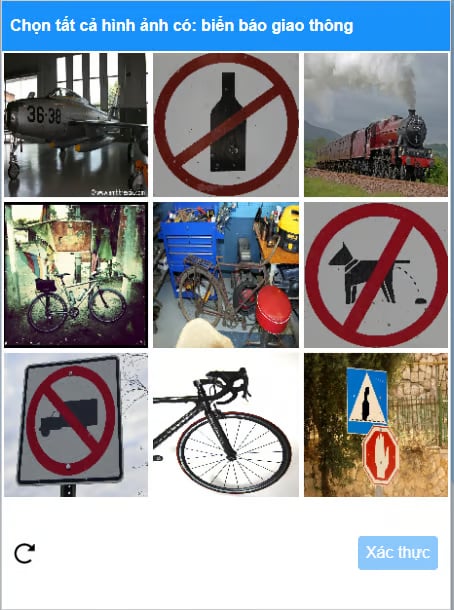
1. Create task
Request| Parameter | Type | Required | Description |
|---|---|---|---|
clientKey | String | ✅ | Customer account key |
task.type | String | ✅ | Captcha service class name to solve: ZaloSelectObjectTask |
task.imageBase64 | String | ✅ | Base64-encoded 3x3 grid image 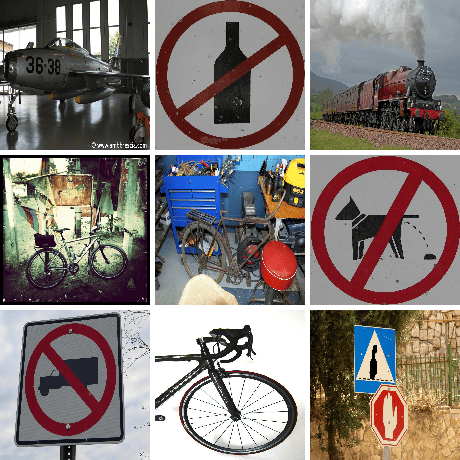 |
task.other | String | ✅ | Captcha question text (e.g. Chọn tất cả ảnh có: biển báo giao thông) 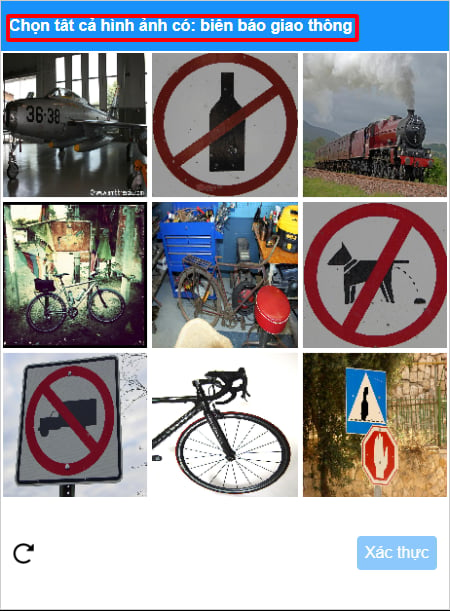 |
errorId = 0 and a taskId when the task is created successfully.
Failure:
errorId = 1 along with an errorCode.
2. Get task result
RequesterrorId = 0 and status = ready. Read the result from solution.
Processing:
errorId = 0 and status = processing while the task is being processed. Please wait 2 seconds and retry.
Failure:
errorId = 1 when processing fails.