
Way 1
Enter directly in the extension popup
Way 2
Edit the
configs.json fileWay 3
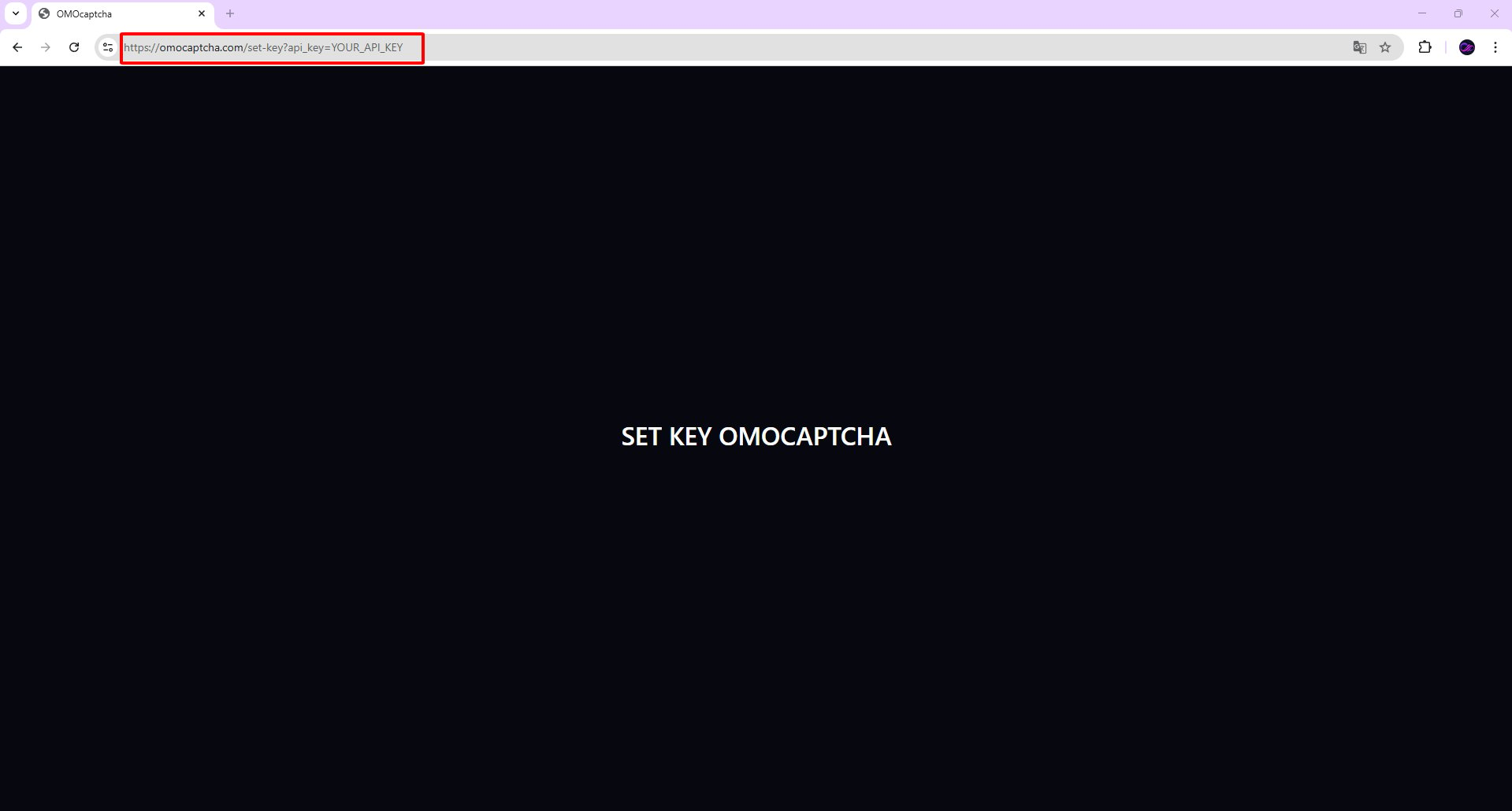
Use a URL in the browser
Way 1. Enter directly in the extension
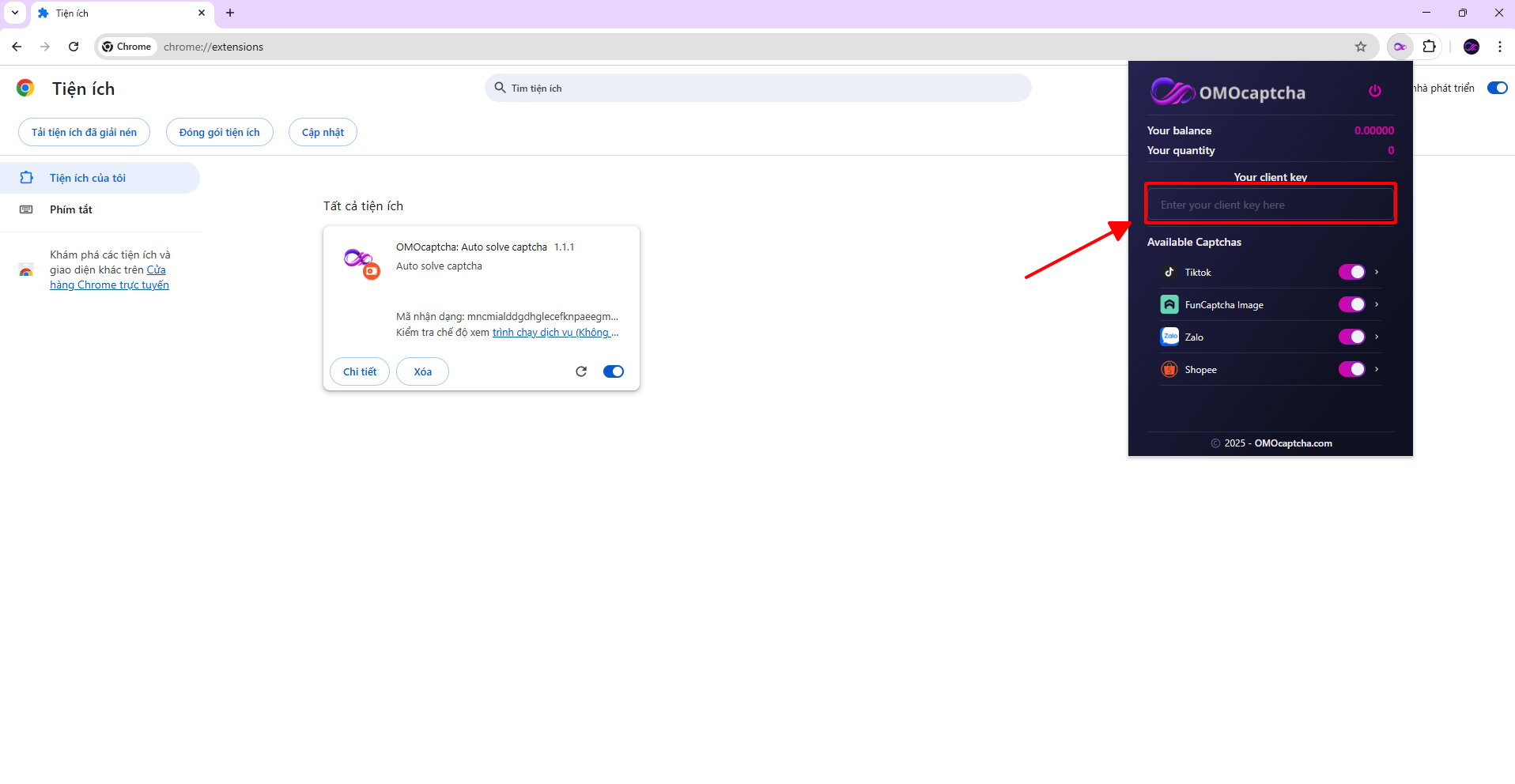
After installing the extension, click the extension icon in your browser toolbar to open the popup.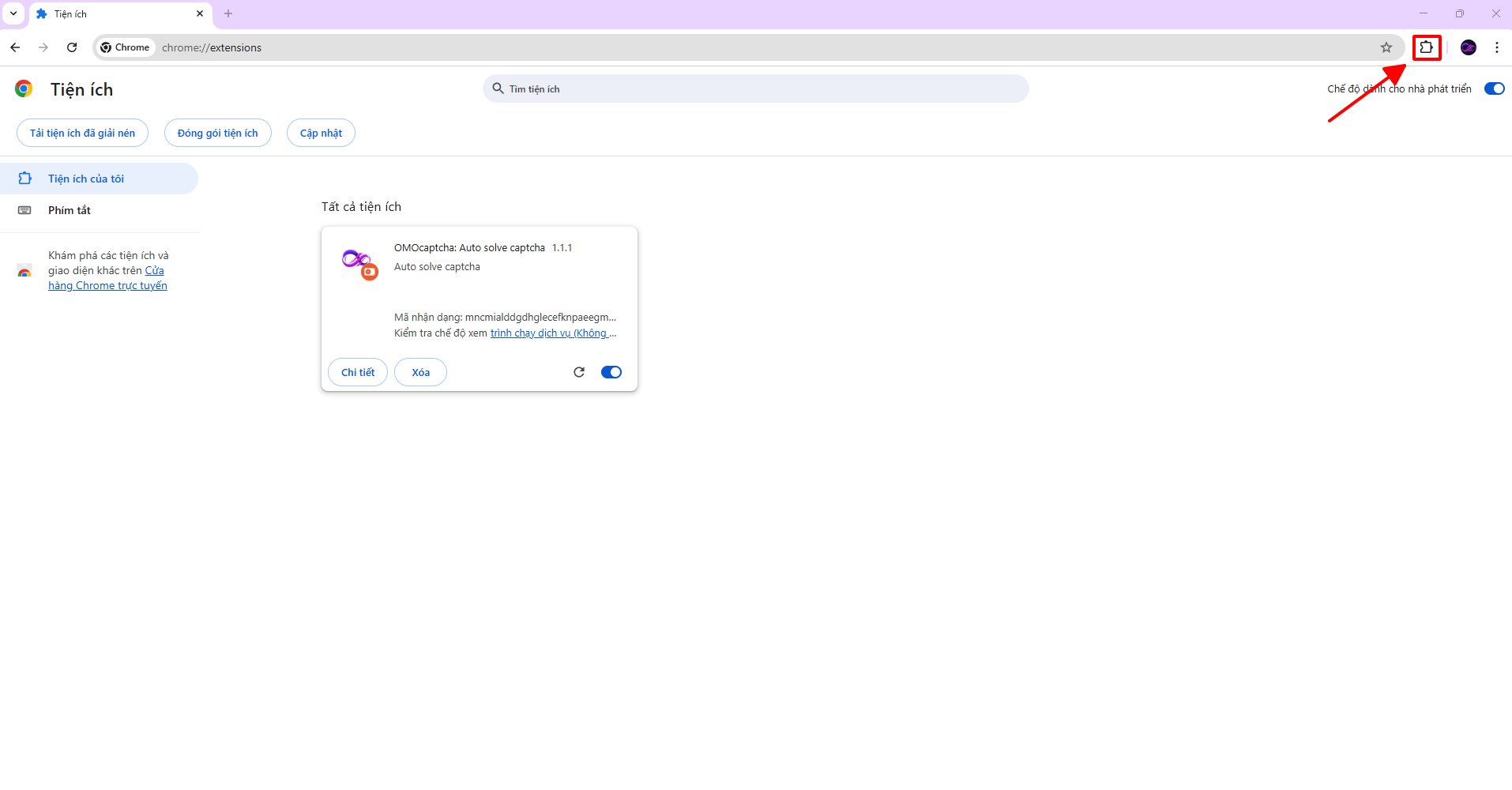
Way 2. Enter directly in a file inside the extension
Click here to open the folder containing the extensions. The extract password is12345.
After downloading and extracting, locate the configs.json file inside the extension folder.
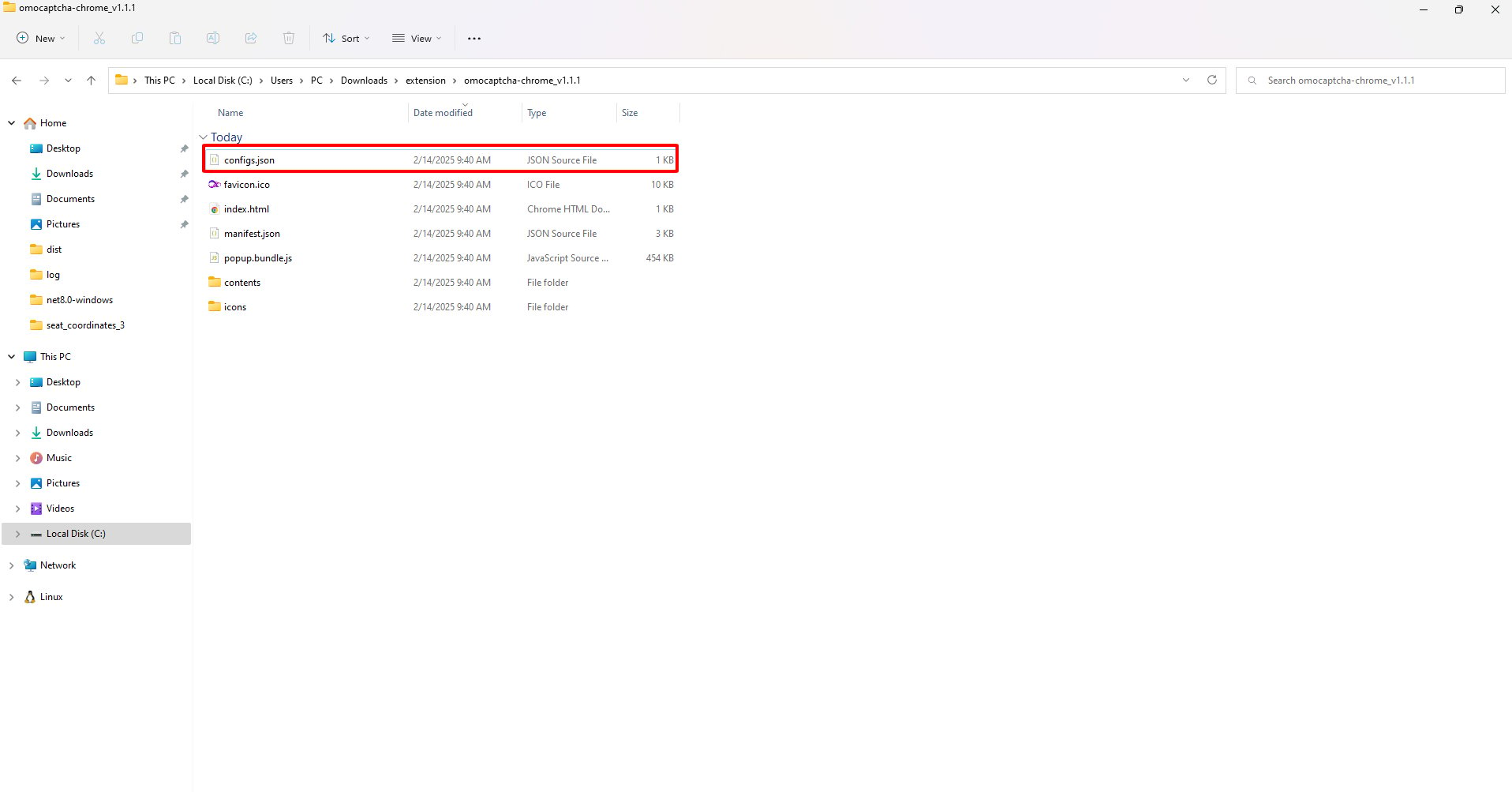
YOUR_CLIEN_KEY. Replace it with your real API Key and save the file.
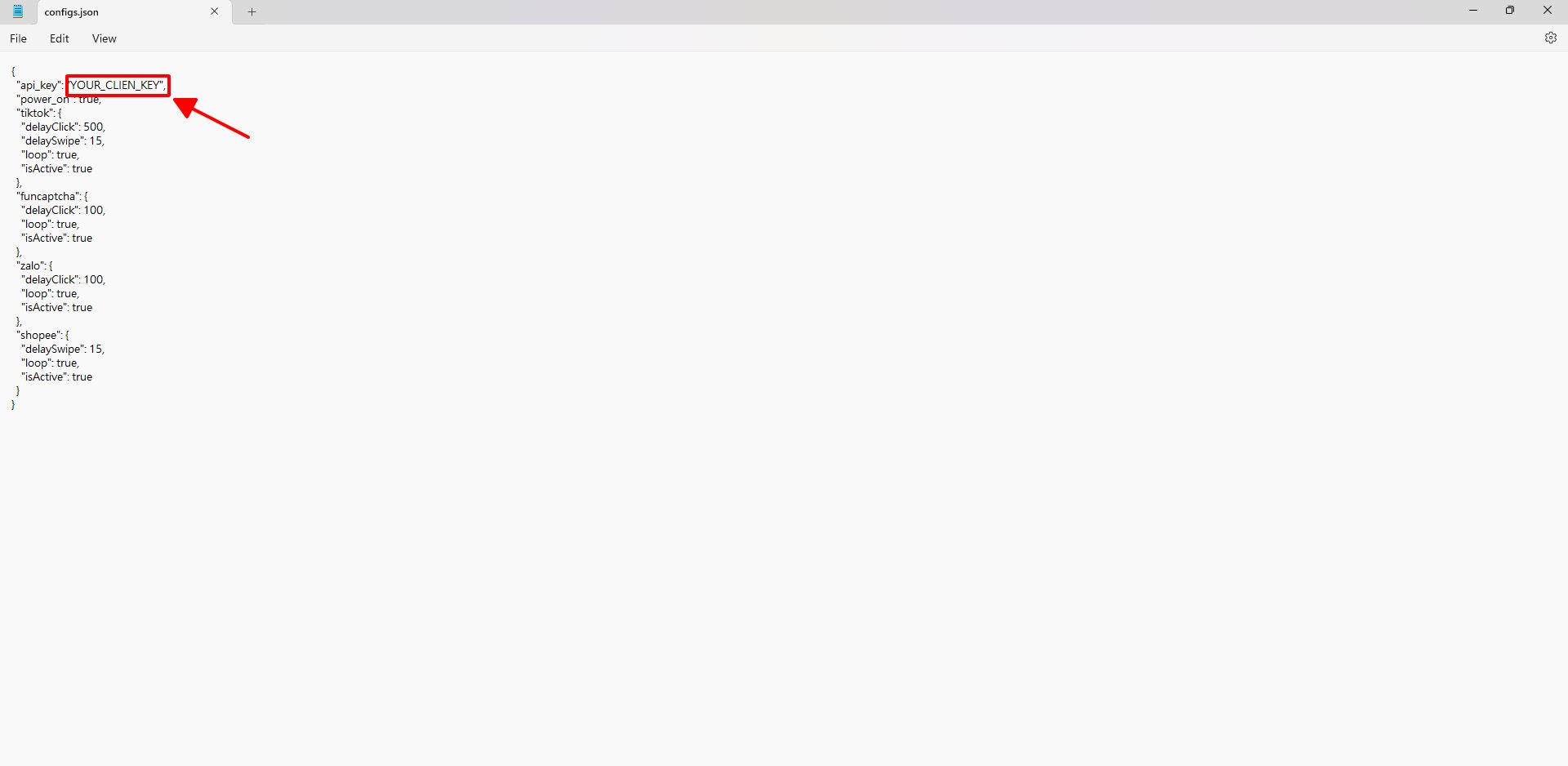
configs.json
configs.json
Way 3. Set via URL in the browser
Once the extension is installed, simply visit the following URL — the extension will automatically capture and save the API Key:YOUR_API_KEY with your real API Key and paste it into the browser’s address bar.