

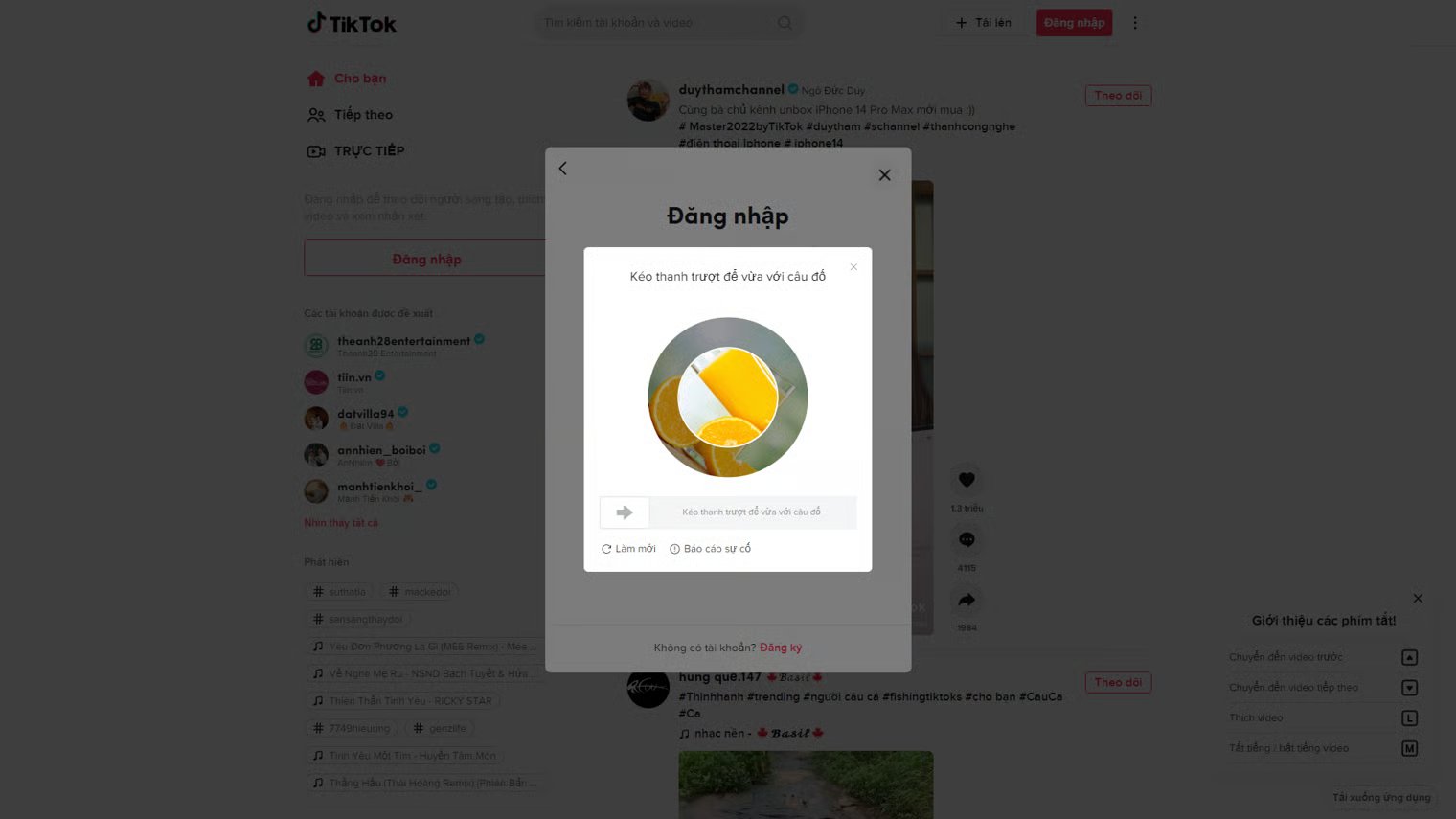
Example of Tiktok rotate captcha
1. Create task
Request
POST https://api.omocaptcha.com/v2/createTask
imageBase64s must be a 2-element array in this exact order: first element is the inside image, second element is the outside image. Do not include the data:image/...;base64, prefix.Image types
| Image type | Image |
|---|---|
| Image inside — the rotating disc | 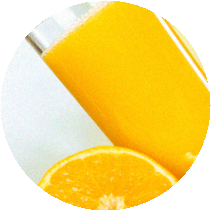 |
| Image outside — the fixed ring |  |
Response
Success:errorId = 0 and a taskId on success.
Failure:
errorId = 1 and an errorCode describing the error.
2. Get task result
Request
POST https://api.omocaptcha.com/v2/getTaskResult
Response
Success:errorId = 0 and status = ready. Read the result from the solution field.
Computing the slider drag position
The drag button can only move within a range equal to the slider track length minus the button length. The CAPTCHA system does not return raw pixel values — it returns a ratio calledsolution in the range 0 to 1 that represents the correct button position on the track.
To convert this ratio into an actual pixel position, use the formula:
Slider position sample
errorId = 0 and status = processing — the request is still being processed. Wait 2 seconds and try again.
Failure:
errorId = 1 along with an errorCode describing the failure.