

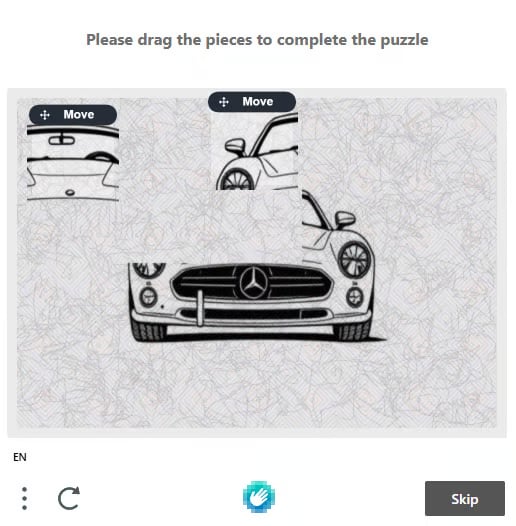
Canvas drag — Please drag the pieces to complete the puzzle
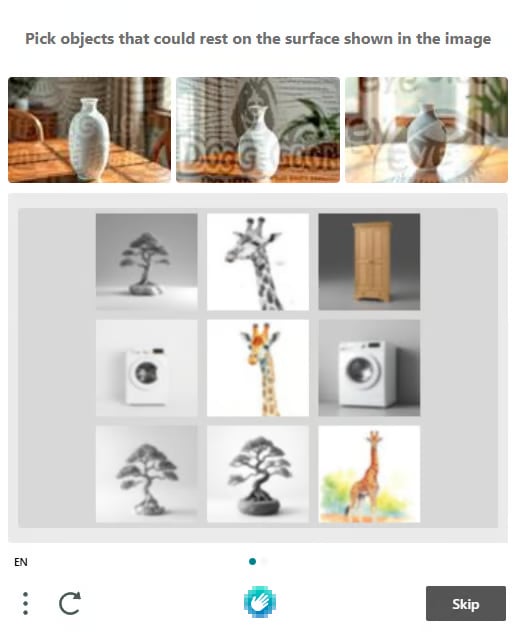
Grid with anchors — Pick objects that could rest on the surface
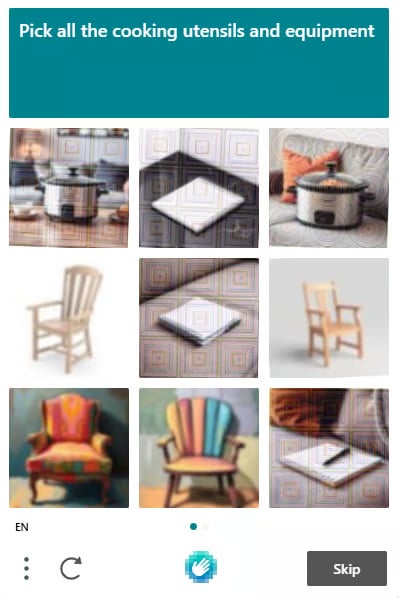
Grid — Pick all the cooking utensils and equipment
1. Create task
Request
Body Parameters
Response
errorId = 0andtaskId→ successerrorId = 1anderrorCode→ failure (see Error Codes)
2. Get task result
Request
solution is returned in one of the three formats below.
2a. Grid result
solution.objects→ indices of the grid cells to click (DOM order).
2b. Canvas click result
solution.type = "click"→ each entry incoordsis an[x, y]point to click on the canvas.
2c. Canvas drag result
solution.type = "drag"→ each entry inboxhas astart[x, y]and anend[x, y], simulating dragging a puzzle piece fromstarttoend.
Wait 2 seconds between
getTaskResult polls while status = "processing".